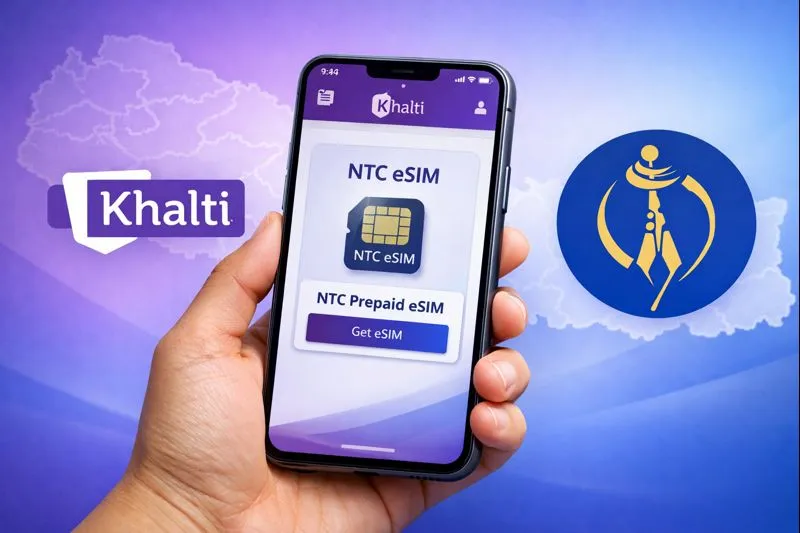
You Can Now Buy a New NTC eSIM Directly from Khalti Digital Wallet
Nepal Telecom (NTC) has partnered with Khalti Digital Wallet to make purchasing a new eSIM easier than ever. With this new service, users can now buy a new NTC prepaid eSIM online without visiting any Nepal Telecom office.
This move is a big step toward digital convenience, allowing users to complete the entire process from their smartphone.
What Is an eSIM?
An eSIM (Embedded SIM) is a digital version of the traditional physical SIM card. It is built into your smartphone’s hardware, allowing you to activate a cellular plan without needing to insert a plastic chip. It is flexible, secure, and makes switching carriers much easier.
Key Benefits of eSIM:
- No physical SIM card required
- Remote activation and number assignment
- Easy carrier switching
- Supports global GSMA standards
- Ideal for modern smartphones
Many new smartphones already support eSIM technology.
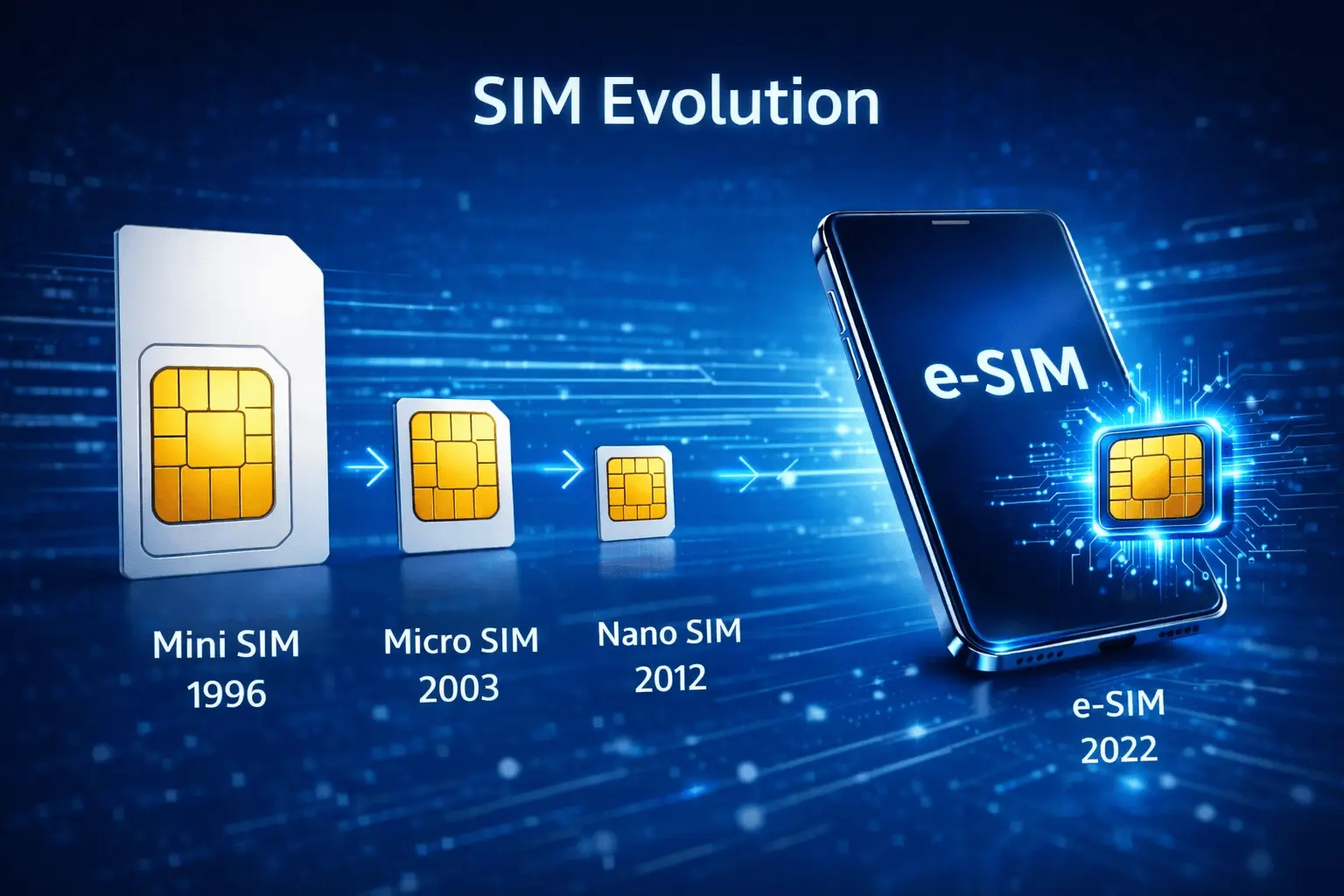
When Did Nepal Telecom Launch eSIM Service?
Nepal Telecom officially launched its eSIM service on September 16, 2022 (Bhadra 21, 2079). Initially, the service was available in limited locations, but it has now expanded beyond Kathmandu Valley as well.
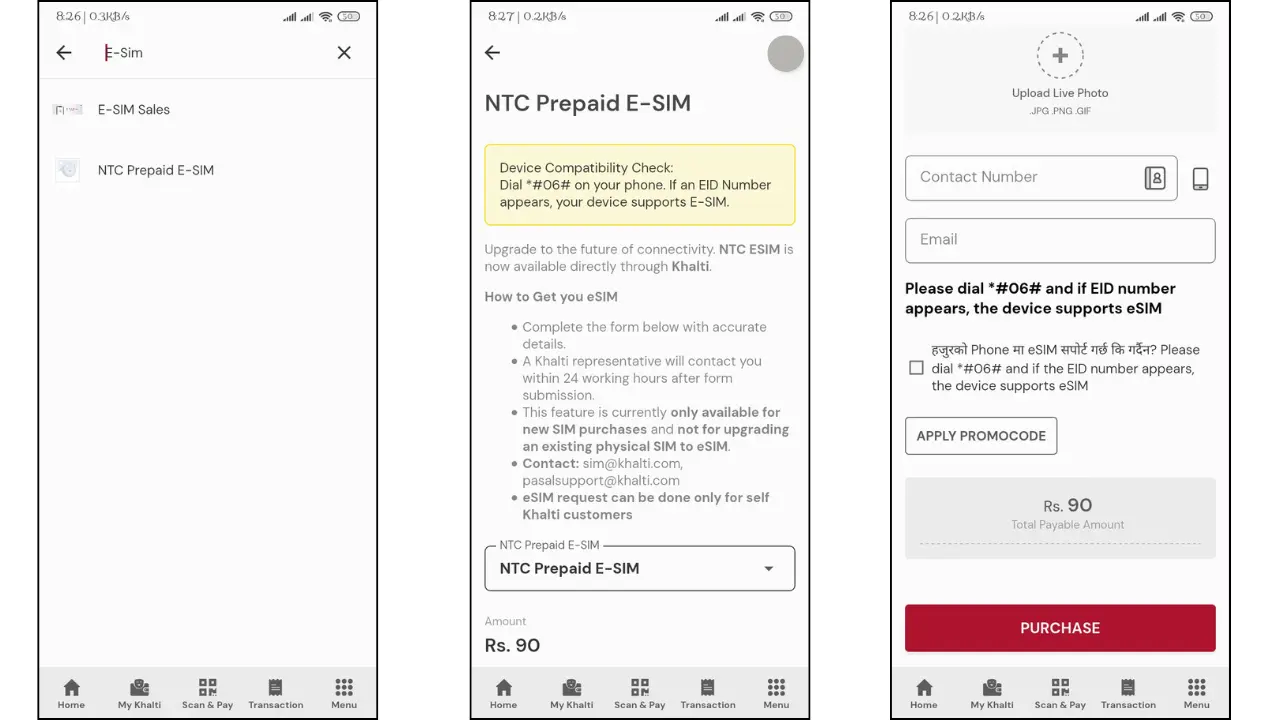
How to Buy a New NTC eSIM Using Khalti
Follow the steps below to purchase a new NTC prepaid eSIM via Khalti:
- Open the Khalti Digital Wallet app
- Search for “E-SIM”
- Select NTC Prepaid eSIM
- Fill in your personal details:
- Full name
- Parents’ and grandfather’s names
- Date of birth
- Enter details of a valid ID document:
- Citizenship certificate
- Passport
- Driving license
- Voter ID
- National ID
- Provide the document issue date and permanent address
- Upload clear photos of the front and back of the original document
- Upload a live selfie photo
- Enter your contact number and email address
- Tap Purchase (Rs. 90 will be deducted from your Khalti balance)
- A Khalti representative will contact you within 24 hours
NTC eSIM on Khalti: My Take
As services continue to go digital, being able to buy a SIM online is a much-needed upgrade. The partnership between Nepal Telecom and Khalti removes the hassle of visiting physical offices and waiting in long queues.
With just a few taps on your phone, you can now get a new NTC eSIM from anywhere in Nepal.
Important Note:
This service is only for purchasing a new NTC eSIM.
To convert an existing physical SIM into an eSIM, users must visit Nepal Telecom’s official eSIM portal.