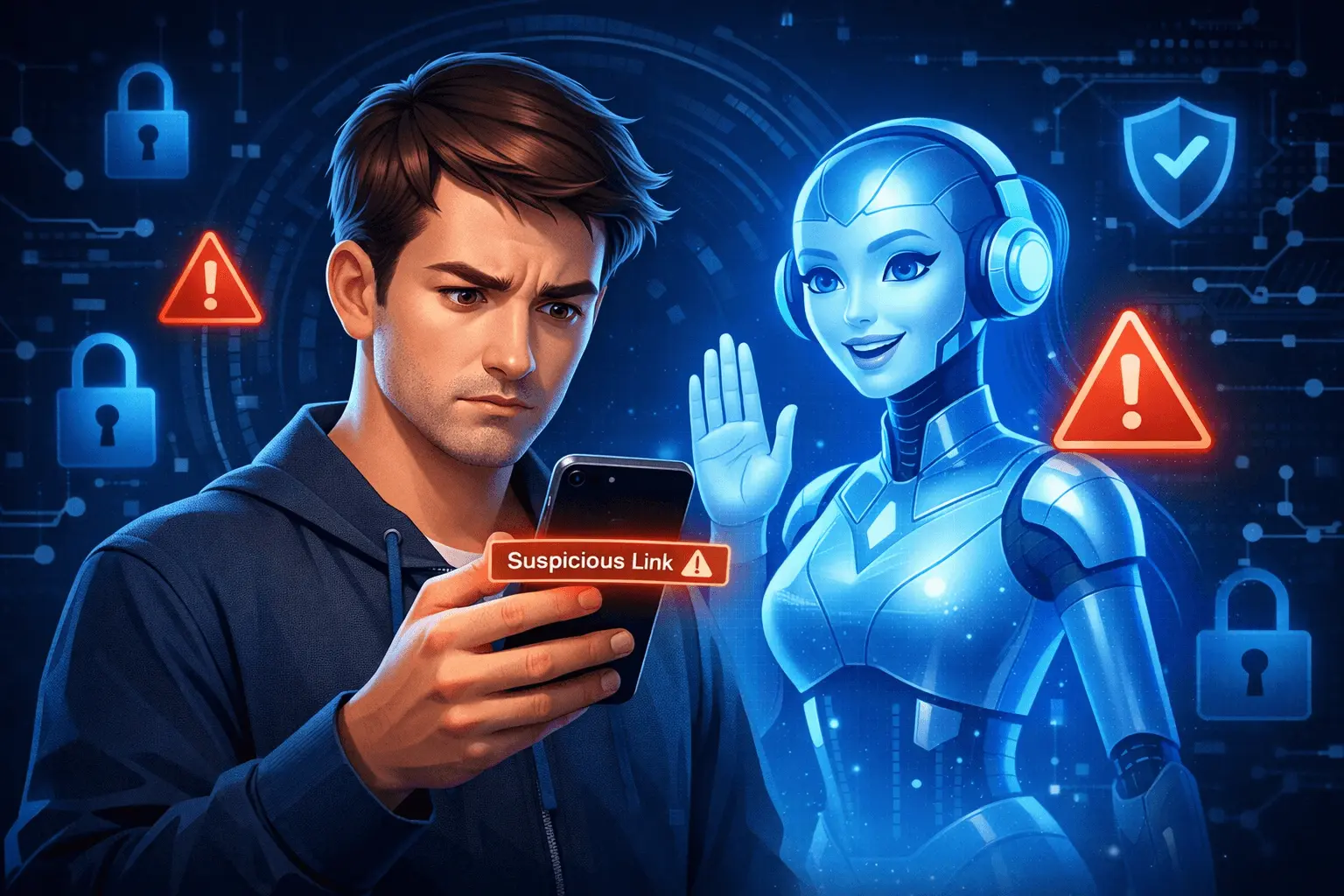
Every day, millions of people click links in emails, social media, SMS, and websites without thinking twice. But cybercriminals are getting smarter — and one wrong click can lead to malware infection, hacked accounts, or stolen money.
That’s why a new digital safety habit is becoming popular:
“Ask ChatGPT before you click.”
While tools like Malwarebytes antivirus protect your device, AI tools like ChatGPT can help you analyze suspicious messages and links before you take the risk.
Why Clicking Random Links Is Dangerous
Not all links are safe — even if they look professional or urgent.
Here’s what can happen when you click a malicious link:
- Malware can secretly install on your device
- Fake websites can steal your passwords (phishing)
- Banking and wallet details can be captured
- Social media accounts can get hacked
- Personal photos and files can be exposed
Many cyberattacks start with a simple message like:
“Your account will be suspended. Verify now.”
These messages create panic and urgency so you click without checking.

How ChatGPT Can Help Before You Click
ChatGPT cannot scan a link like antivirus software, but it can help you think critically and identify red flags.
Example:
You receive a message:
“Your Facebook account will be closed. Confirm here: fb-security-check.xyz”
Before clicking, you can ask ChatGPT:
“Does this link look like a scam or phishing attempt?”
ChatGPT can help you notice:
- Suspicious domain names
- Fake brand URLs
- Common scam wording
- Urgency tactics used by hackers
This extra step can stop you from falling into a trap.
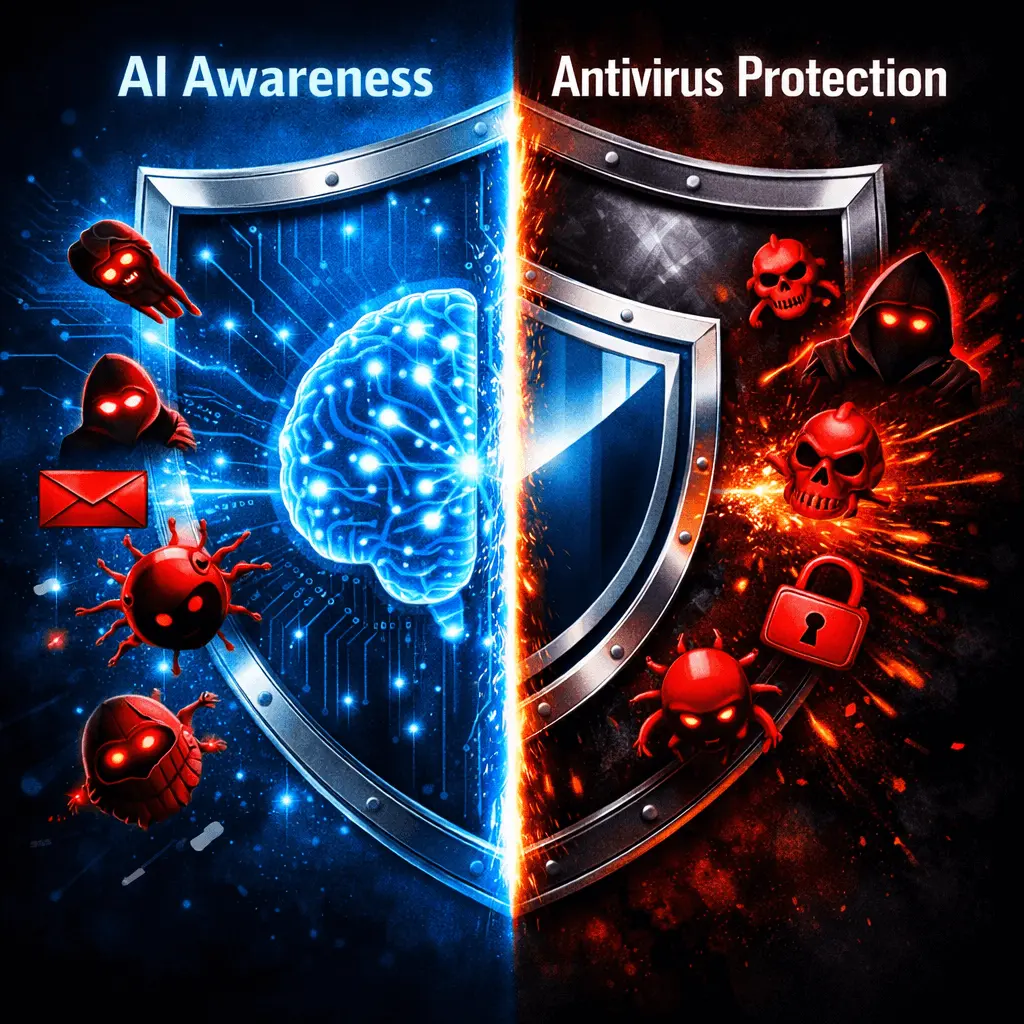
Combine AI Awareness with Antivirus Protection
Cybersecurity companies like Malwarebytes often say:
“Think Before You Click.”
Now you can upgrade that advice:
“Think — and Ask ChatGPT — Before You Click.”
For best protection, use multiple layers:
- Antivirus software (like Malwarebytes)
- Two-Factor Authentication (2FA)
- Strong, unique passwords
- AI tools to review suspicious messages
AI doesn’t replace security software — it adds awareness and a second opinion.
When Should You Ask ChatGPT First?
You should pause and check when you see:
- Emails asking you to “verify” or “confirm” accounts
- Prize or lottery messages you didn’t enter
- Bank or wallet alerts with links
- Social media “login warning” messages
- Unknown file download links
Just copy the message and ask:
“Is this message or link likely to be a scam?”
It takes 10 seconds — and can save you from huge damage.

What ChatGPT Cannot DoIt’s important to understand the limits:
- ChatGPT cannot open or scan links
- It cannot detect hidden malware
- It should not replace antivirus software
But it can help you slow down, think, and spot obvious scams — which is where most people fail.
Smart Internet Users Follow This Rule
The safest internet users today are not the most technical — they are the most careful.
✔ Don’t click in a hurry
✔ Double-check website addresses
✔ Use antivirus protection
✔ Ask questions before trusting links
Ask ChatGPT before clicking suspicious links
Simple Rule to Remember
Cybercrime is growing fast, but your awareness is a powerful defense.
Before you click any unknown link, take a moment to:
Pause. Check. Ask. Then Click.
Using AI like ChatGPT as a safety assistant — along with tools like Malwarebytes — can protect your accounts, money, and personal data.
One small habit can prevent a big disaster.