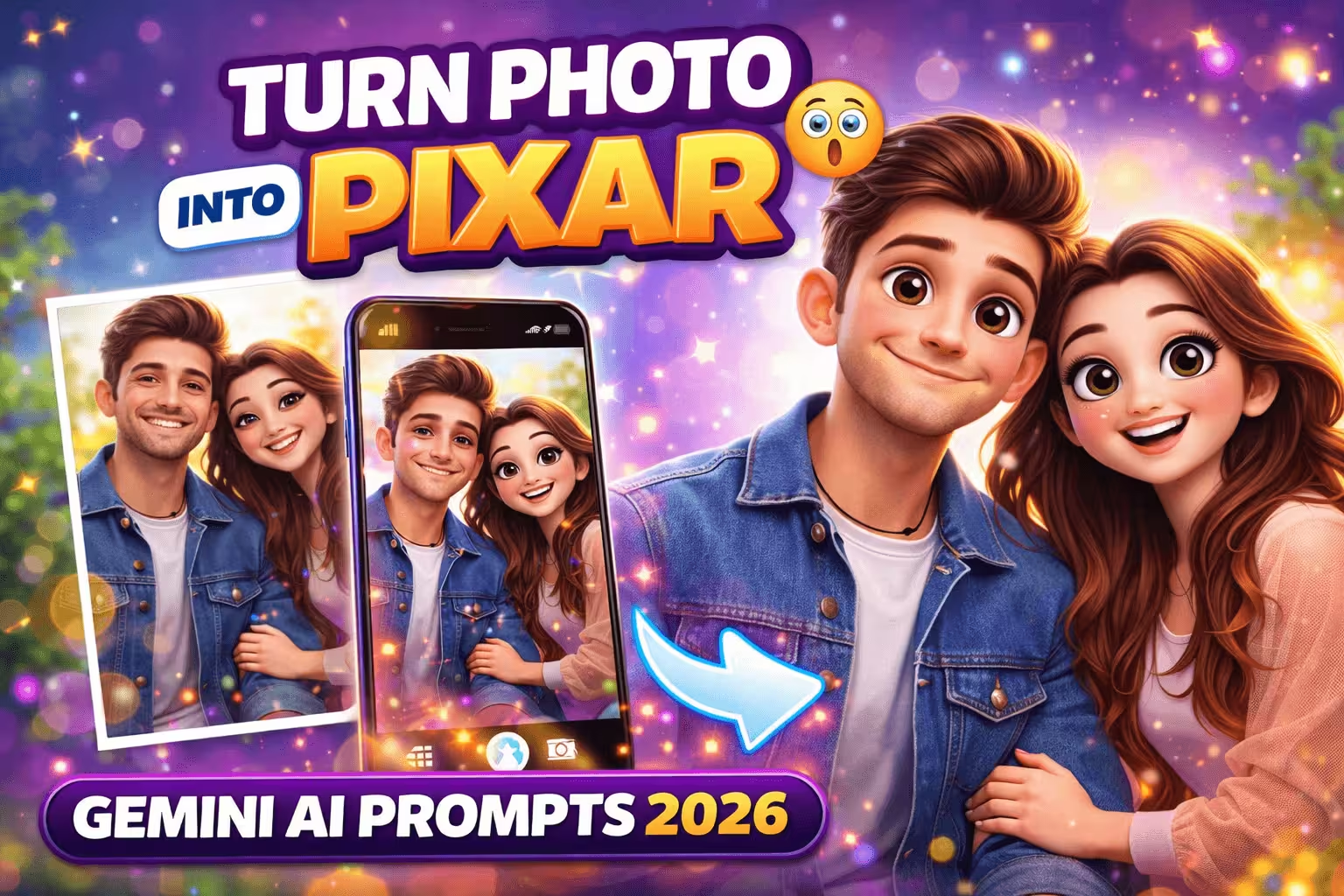
Nowadays, everyone on social media is turning their photos into Pixar-style cartoon characters. The good thing is that now you can make your photo into a 3D Pixar character in a few seconds using Gemini AI prompts.
In this article, we will give you simple steps and viral prompts that will make your photo next-level.
What is the Pixar Style of photography?
- Social media is unique.
- The Profile picture is attractive.
- AI tools to create realistic cartoons
- Trending on Instagram, TikTok
How do you make a Pixar Style Photo with an AI?
Step 1: Open any of your AI
Login to AI
Step 2: Upload your photo.
Use clear and high-quality photos.
Step 3: Use Prompt
Copy and paste the prompts below.
Viral Gemini Prompts (Copy & Use)
Prompt 1:
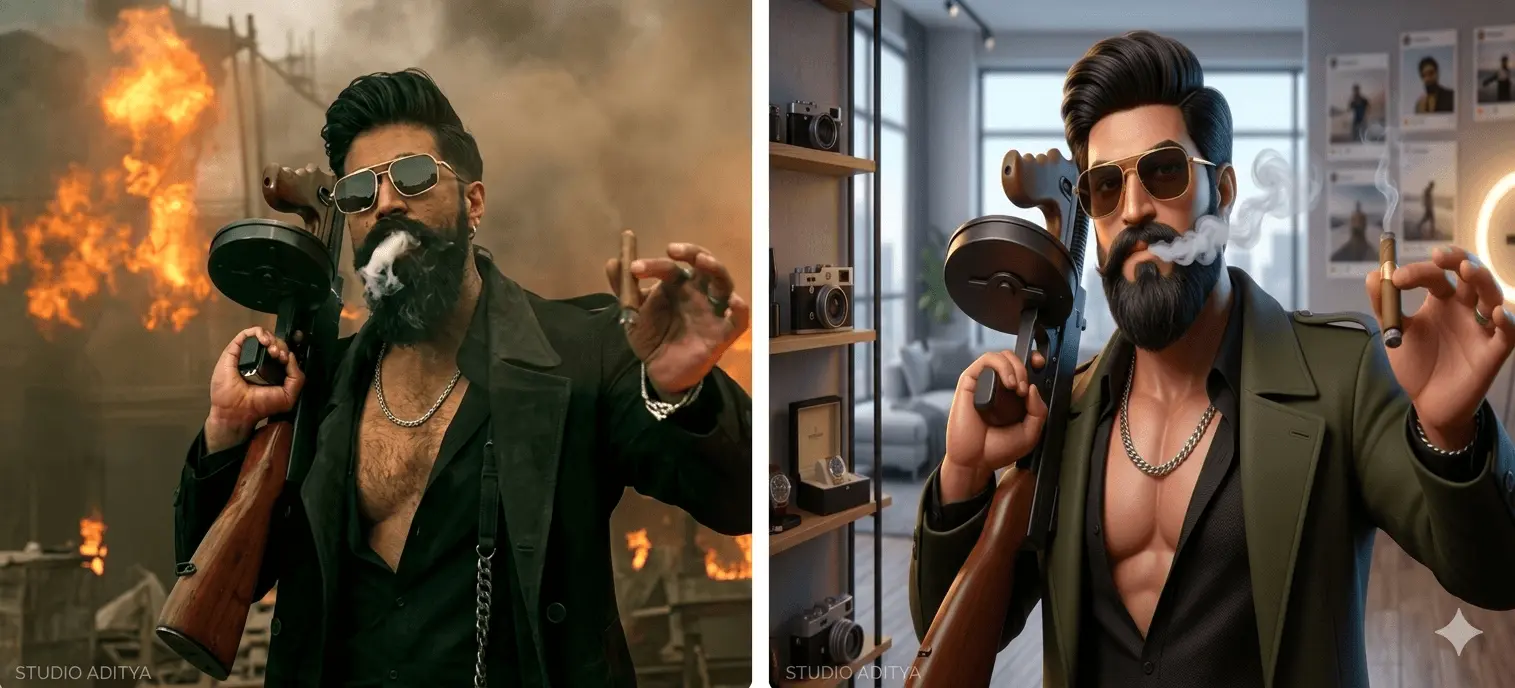
Turn this photo into a stylish Pixar-style character with confident attitude, sharp jawline, glowing skin, trendy hairstyle, cinematic lighting, and Instagram influencer vibe.
Prompt 2:
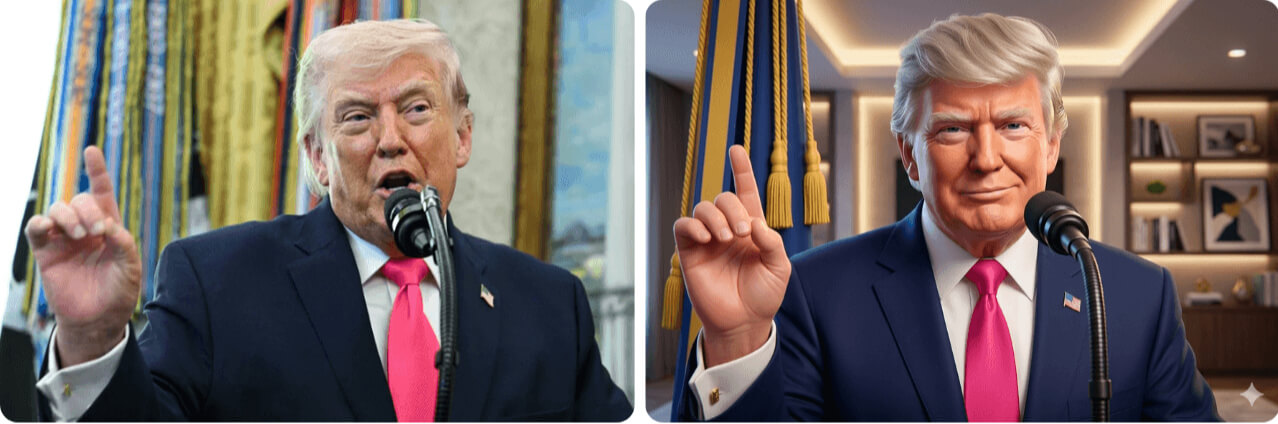
Turn this image into a Pixar animation style portrait, ultra-detailed, 3D render, vibrant colors, depth of field, studio lighting.
Prompt 3:
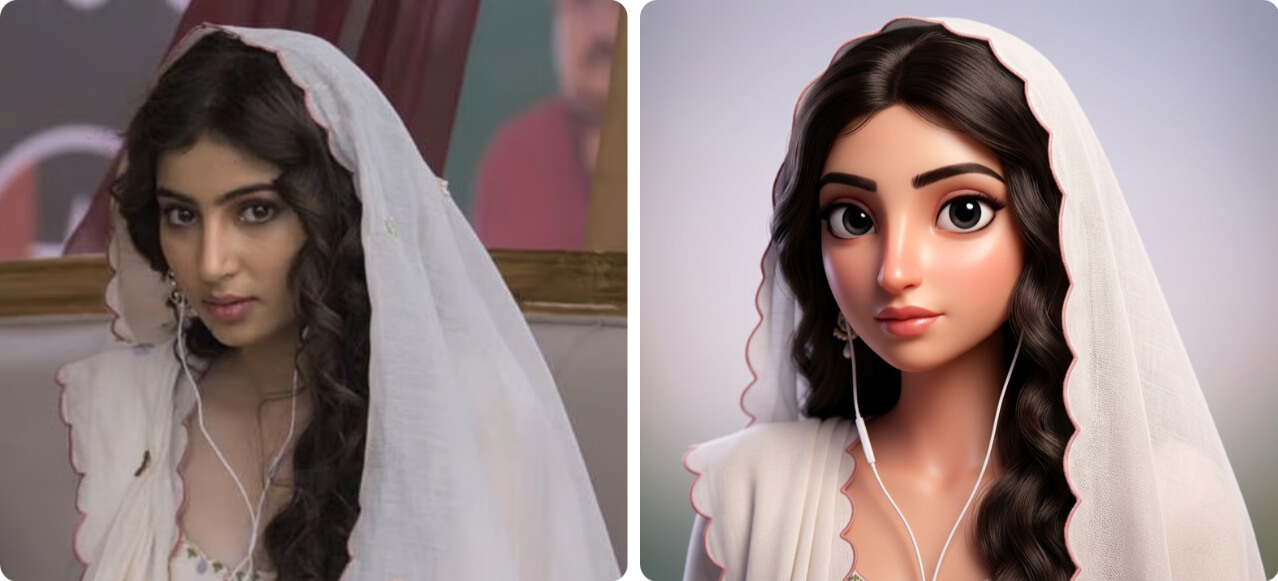
Create a Pixar-style character based on this photo, with realistic facial features, animated look, soft shadows, and colorful environment.
Prompt 4:
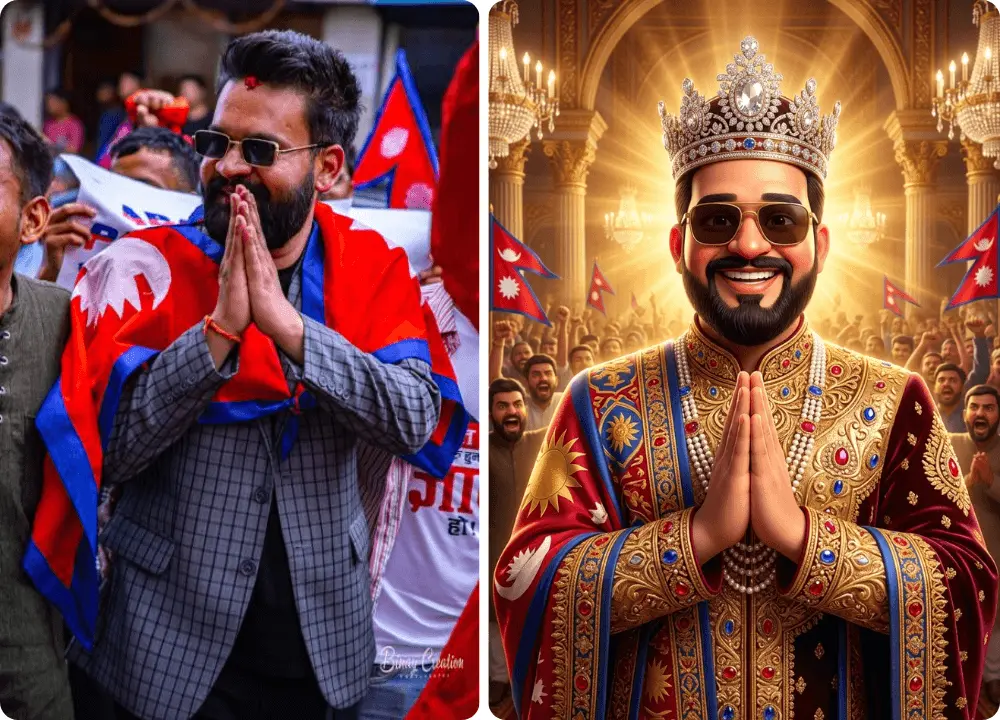
Turn this image into a royal Pixar-style character with king/queen outfit, glowing golden light, luxurious background, and powerful cinematic presence.
Tips to get the Best Results
- Upload Clear photo
- The Face must be visible.
- Front-facing photo is better.
- Use High resolution image
- Mention “Pixar style 3D render” at the Prompt
Conclusion
Using Gemini AI prompts, you can easily turn your photo into a Pixar-style character. Using the right prompt and good image, the result is still realistic and attractive.
👉 This trend is now viral, so early use makes your content/social profile standout.