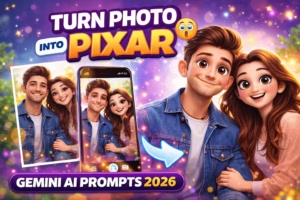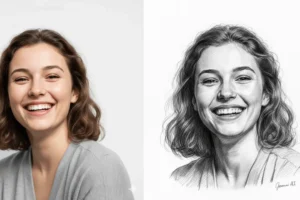
In 2026, AI photo editing is more creative than ever. With tools like Google Gemini AI, you can easily transform your normal photos into Pixar-style animated characters that look like they came straight out of a movie.
These prompts help you create 3D cartoon portraits with big expressive eyes, smooth skin, vibrant colors, and cinematic lighting — just like Pixar animation. Whether you want a cute avatar, a cinematic character, or a fun social media profile picture, these prompts will give you amazing results.
Just copy and paste the prompts below into Gemini AI, upload your photo, and start creating!
10 Best Gemini Pixar-Style AI Prompts
1. Classic Pixar Character
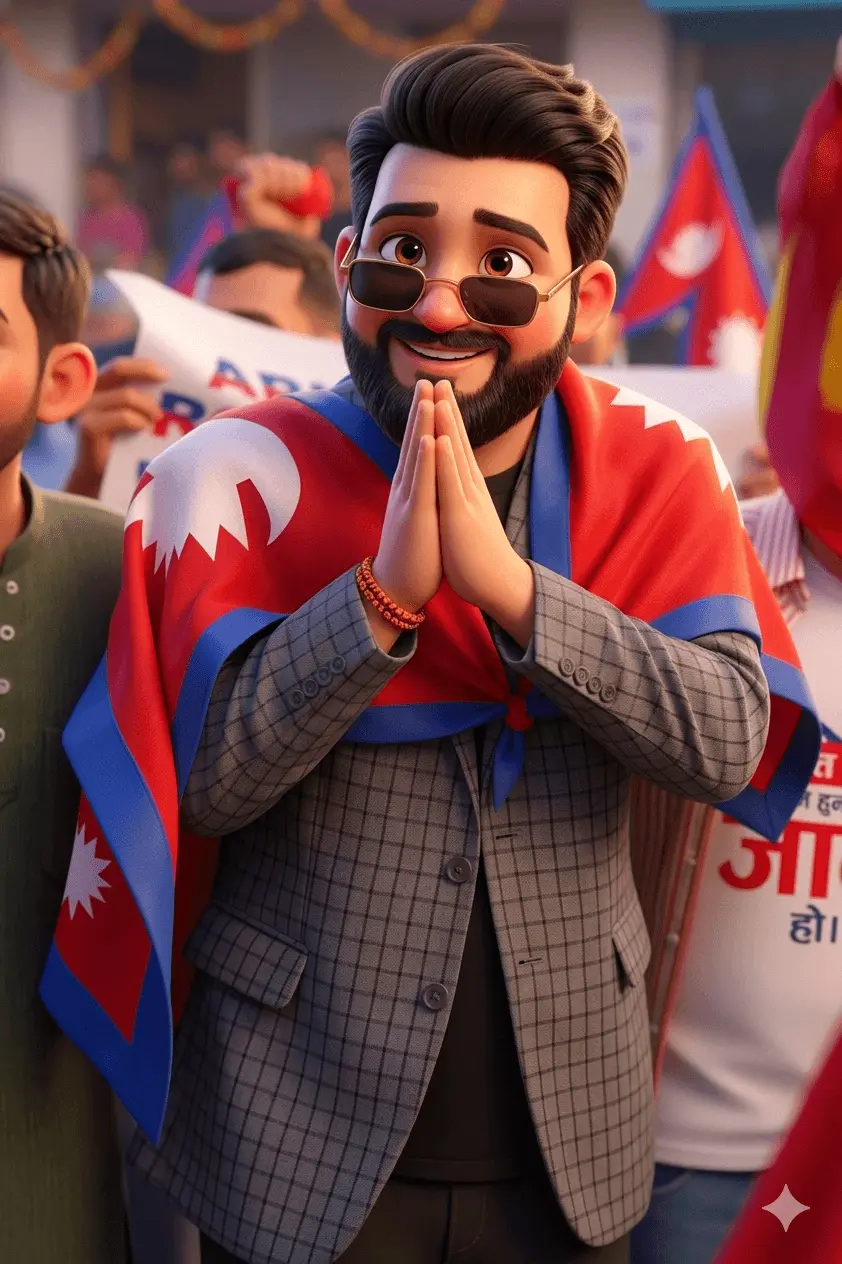
Prompt: Create a high-quality Pixar-style 3D animated portrait of a person based on the uploaded photo. Big expressive eyes, smooth glowing skin, rounded facial features, soft lighting, vibrant colors, and a cheerful expression. Cinematic 4K detail.
2. Cinematic Pixar Portrait
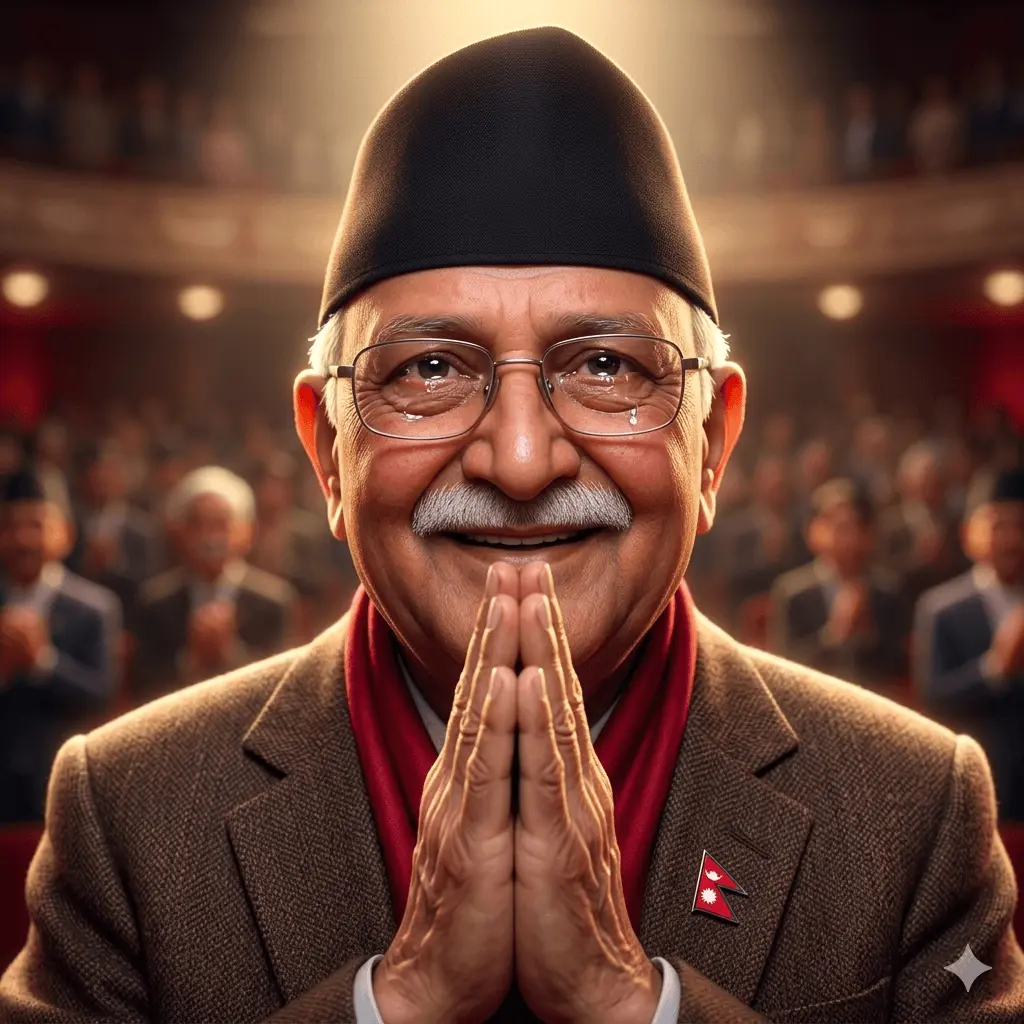
Prompt: Generate a Pixar-style character with dramatic cinematic lighting, soft shadows, glowing highlights, and realistic textures. Emotional expression, blurred background, movie-like scene, ultra-detailed 4K.
3. Cute Cartoon Avatar
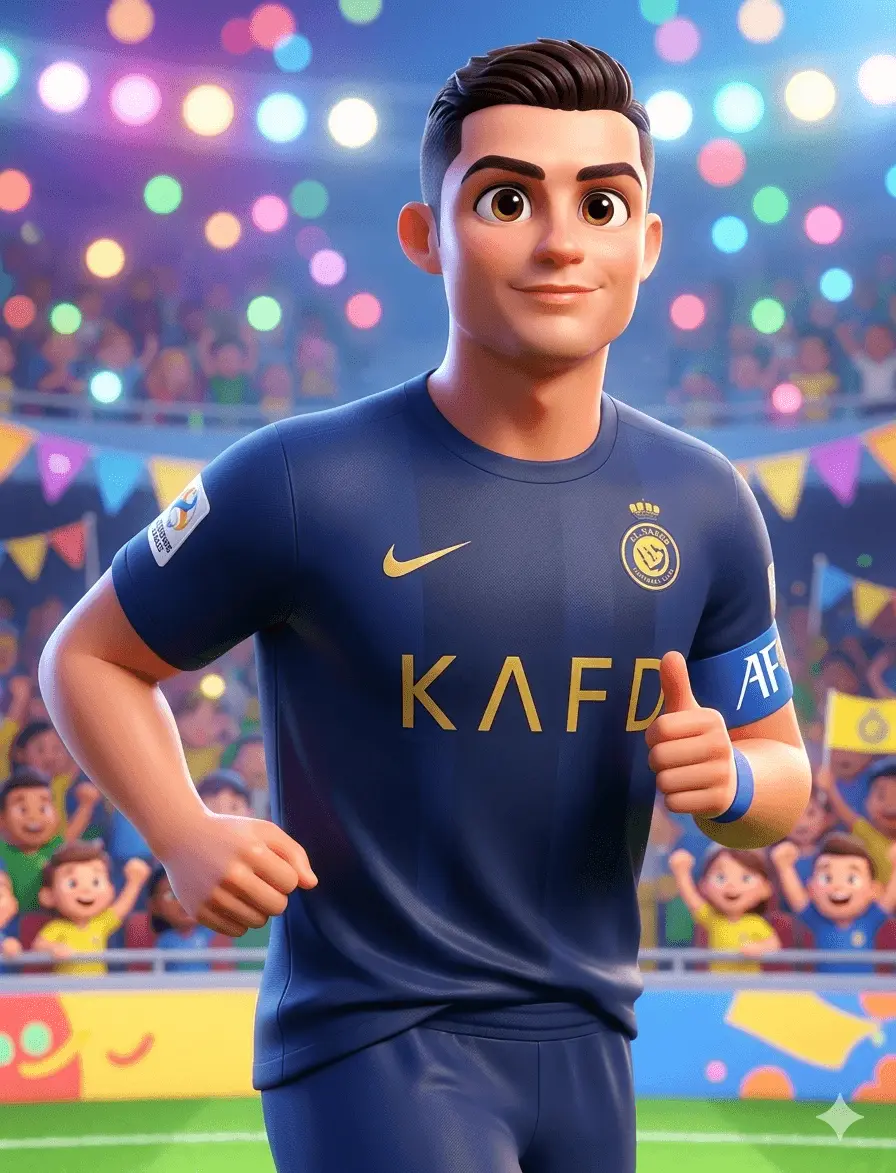
Prompt: Transform the photo into a cute Pixar-inspired character with oversized eyes, small nose, soft smile, smooth skin, and bright colorful lighting. Fun, playful background, highly detailed.
4. Emotional Story Character

Prompt: Create a Pixar-style animated character from this photo with a strong emotional expression. Focus on the eyes and face to show feeling, such as sadness, happiness, or deep thinking. Make the eyes large and expressive with natural light reflection. Keep the skin smooth and soft, with realistic tones. Use soft and cinematic lighting to match the emotion. Add gentle shadows and highlights to create depth. The background should also support the feeling, with soft blur and simple colors. Hair should look natural and slightly styled, not too sharp. Keep the face shape close to the original but smoother and more animated. Use depth of field to keep the subject clear and the background soft. Add a storytelling mood so the image feels like part of a movie scene. Make the final image in 4K quality with high detail. The result should feel emotional, realistic, and beautiful, like a character from a Pixar story.
5. Movie Scene Character
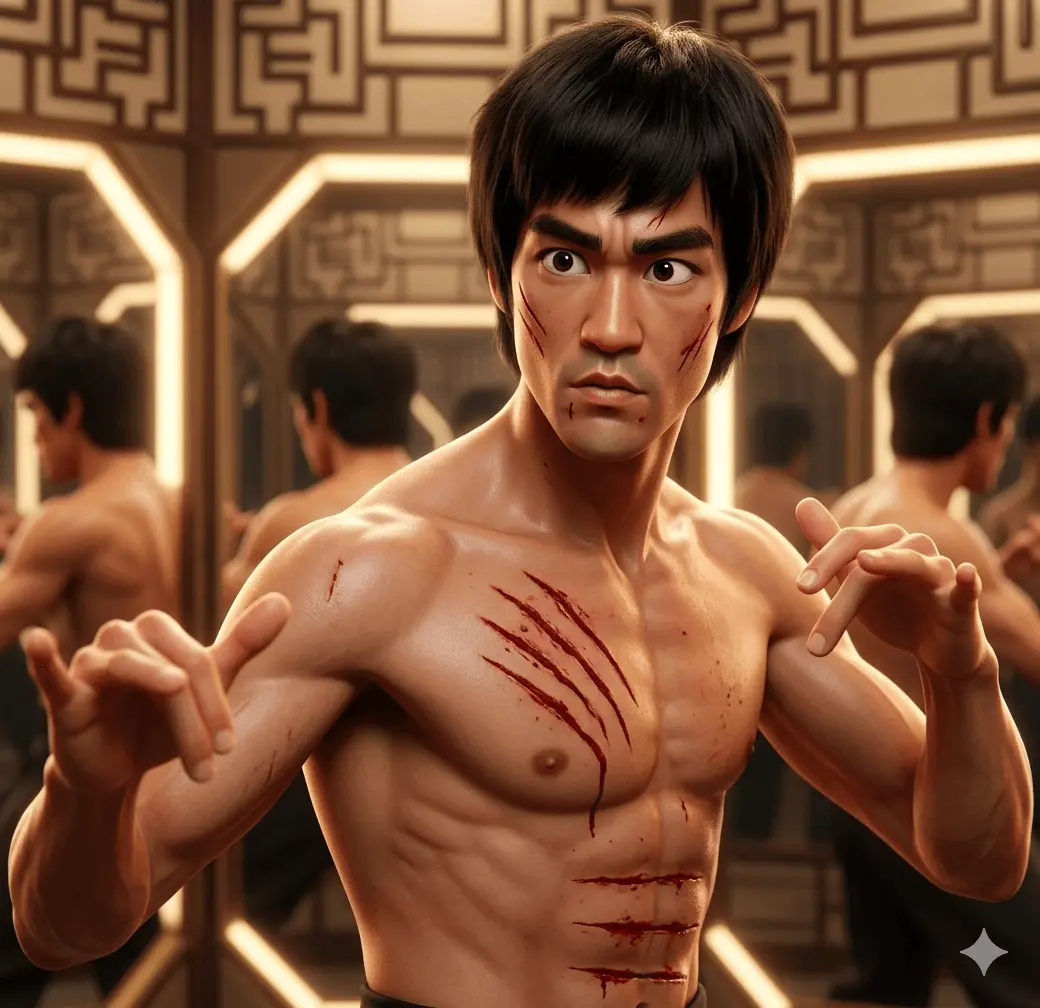
Prompt: Turn the uploaded photo into a Pixar-style character placed inside a cinematic environment. Add depth of field, realistic lighting, detailed background, and expressive pose.
6. Fantasy Pixar Look
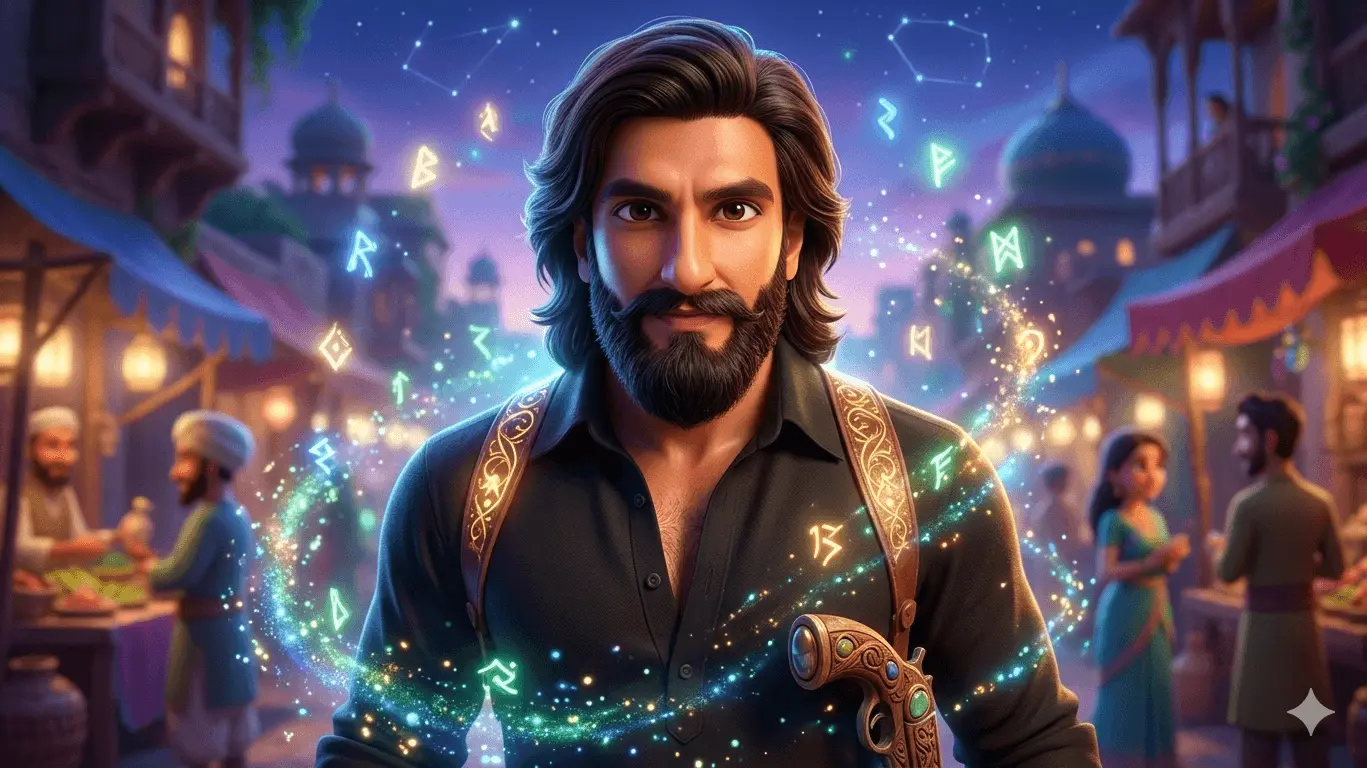
Prompt: Create a Pixar-style fantasy character with magical lighting, glowing particles, dreamy background, vibrant colors, and soft textures. Ultra-realistic animated style.
7. Studio Portrait Pixar Style
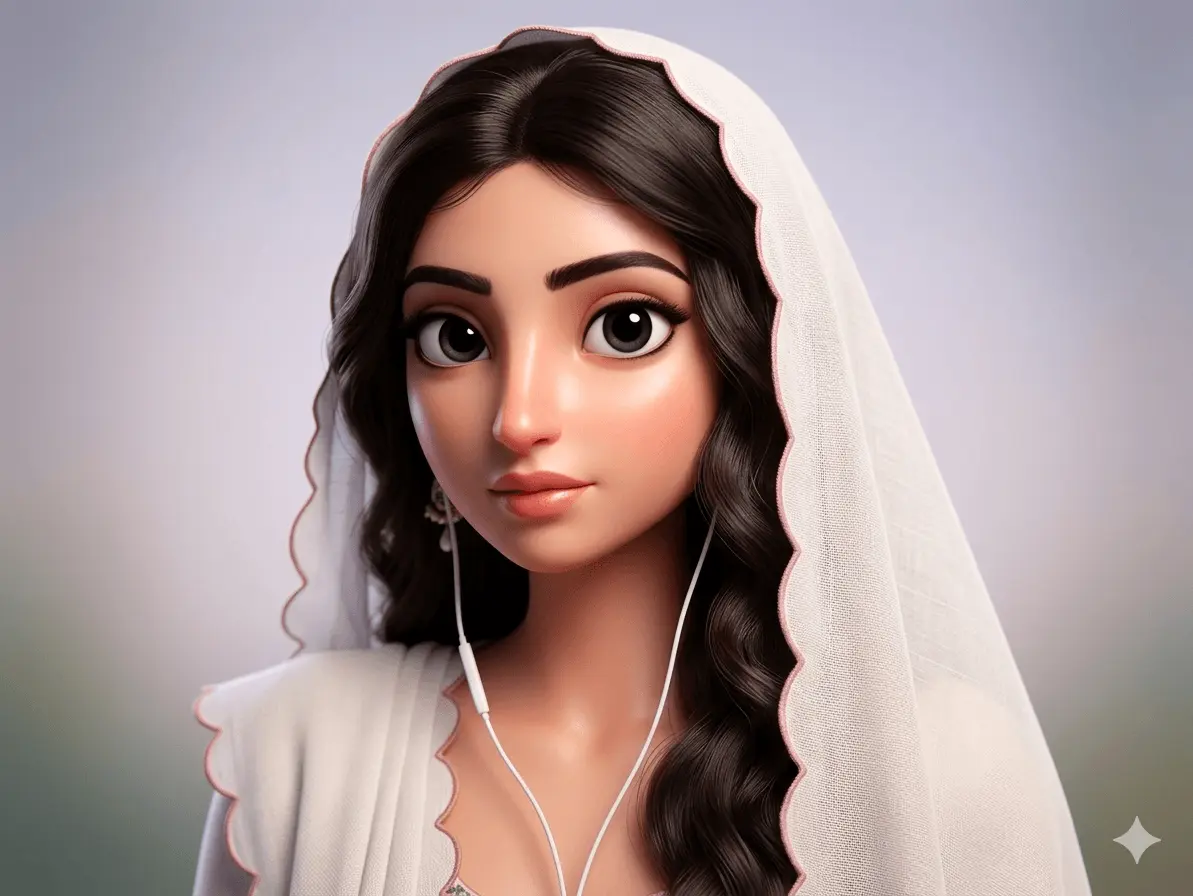
Prompt: Generate a Pixar-style studio portrait with softbox lighting, clean background, sharp focus on face, smooth skin, and detailed animated features in 4K.
8. Golden Hour Pixar Portrait
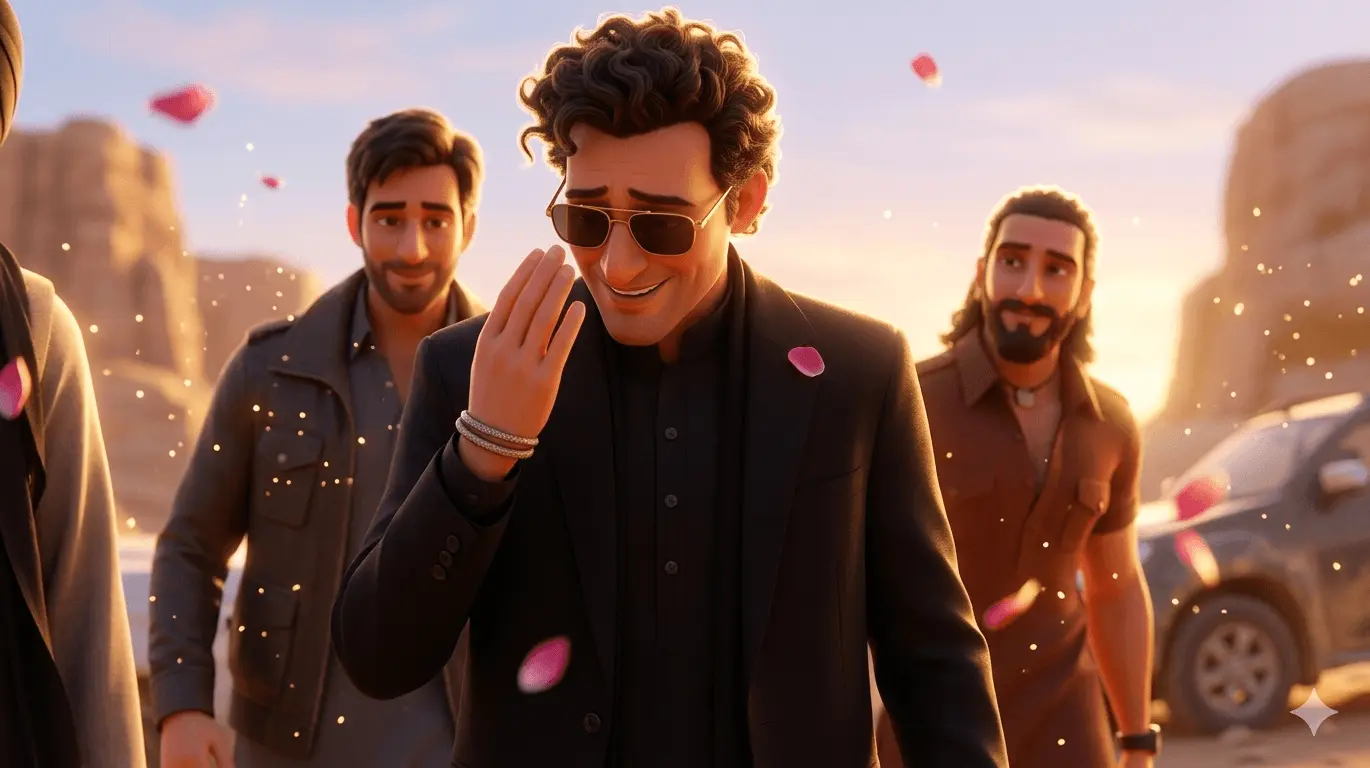
Prompt: Create a Pixar-style character during golden hour with warm sunlight, soft shadows, glowing skin, emotional expression, and cinematic background.
9. Night Cinematic Pixar Style
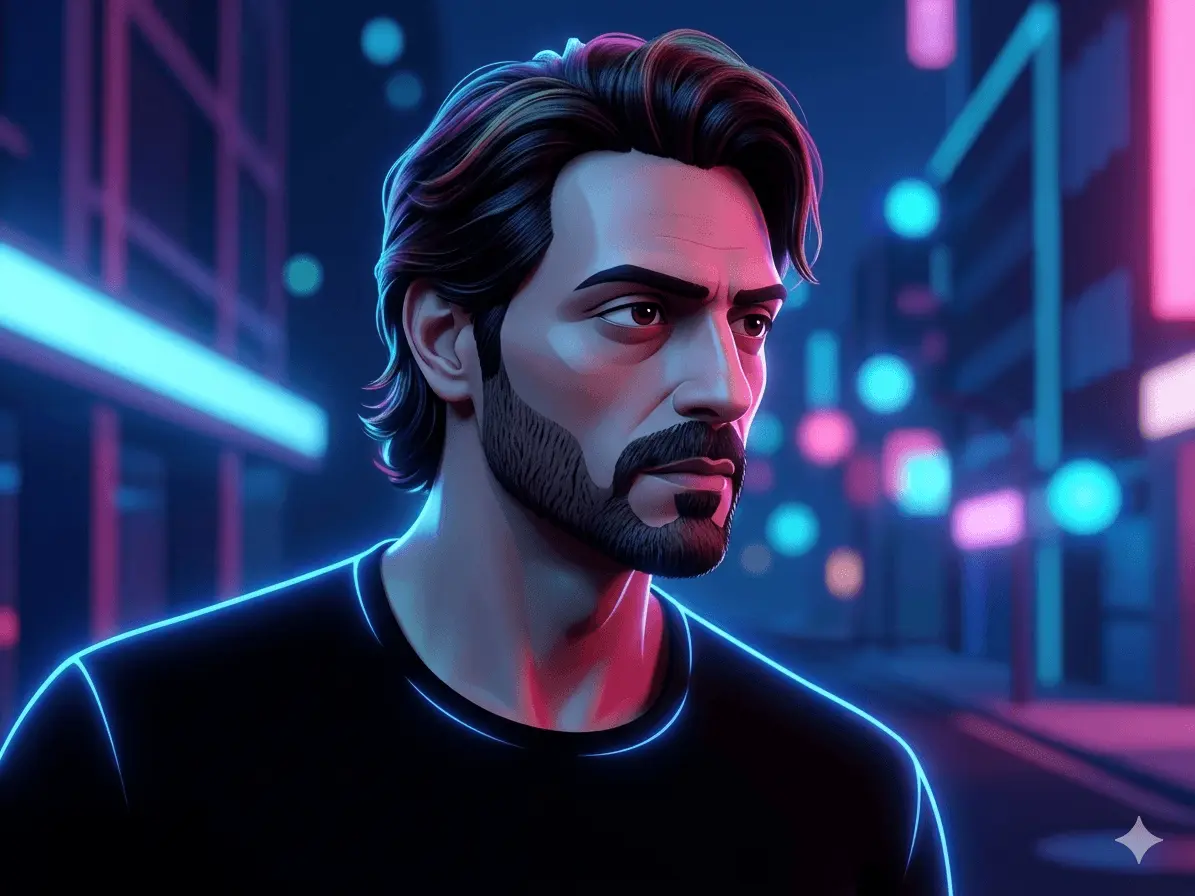
Prompt: Generate a Pixar-style character under night lighting with neon glow, blue and pink tones, soft shadows, and dramatic cinematic effect.
10. Realistic Pixar Hybrid
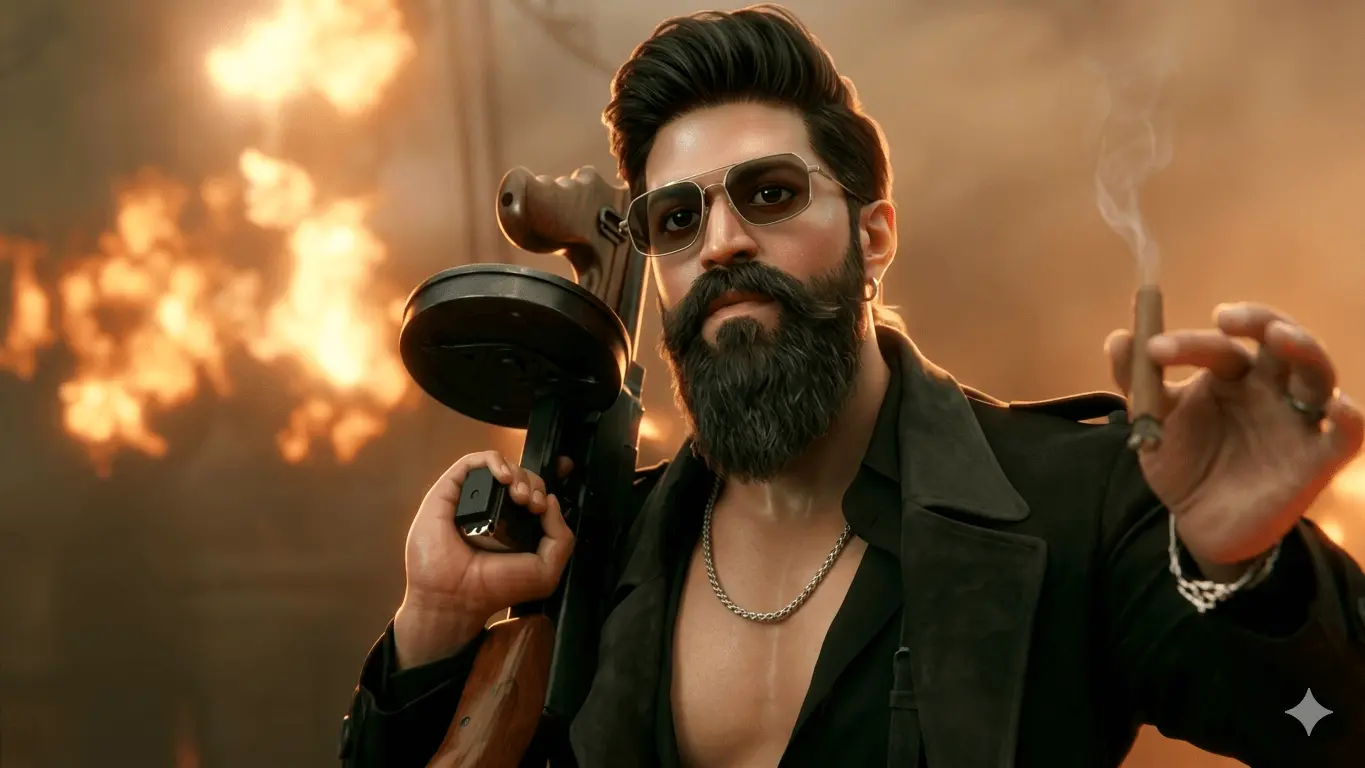
Prompt: Create a semi-realistic Pixar-style portrait blending real human features with animated style. Keep natural face structure but enhance eyes, skin, and lighting for a cinematic animated look.
How to Use These Prompts
Copy and paste any prompt into Gemini AI. Then upload your photo or your friend’s photo. You can also edit the prompts and customize them to create your own unique Pixar-style characters.
Pro Tips for Best Results
- Use keywords like “Pixar-style,” “3D animated,” and “cinematic lighting”
- Add “4K” or “ultra-detailed” for better quality
- Focus on eyes and expressions
- Use soft lighting and vibrant colors
Final Thoughts
Turning your photos into Pixar-style characters is one of the most exciting AI trends in 2025. With Google Gemini prompts, you can easily create animated portraits that look professional, emotional, and visually stunning.
Try these prompts today and bring your photos to life like a movie character!