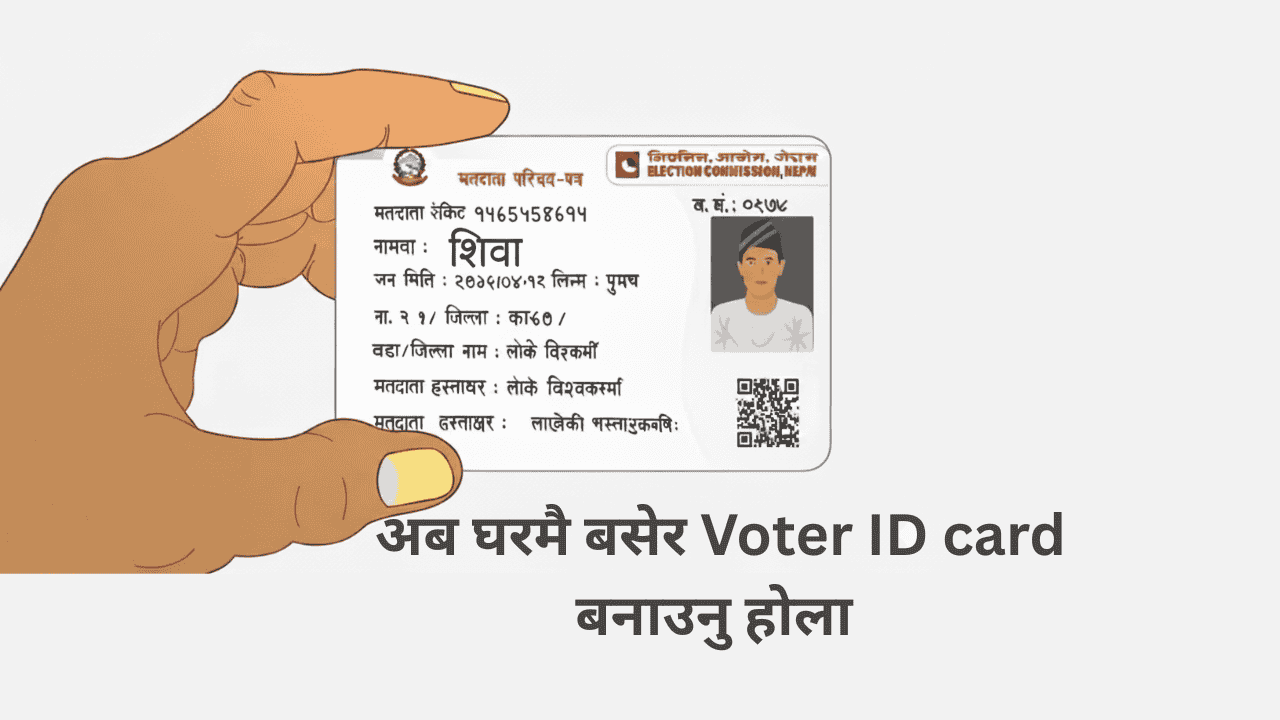
Easily Register Your Name in the Voter List from Home: Why and How
Awareness about voting rights is increasing in Nepal. The Election Commission has introduced a new system that allows citizens to register their names in the voter list from the comfort of their homes. This facility reduces the hassle of visiting offices and is especially useful for young people and working citizens who are busy with their daily routines. In this blog, we will explain the process clearly — why this change was introduced, how you can register, and what documents you need.
Why Can You Now Register from Home?
Previously, citizens had to visit the election office to register their names in the voter list, fill out forms, and provide biometric information.
Now, citizens with a National ID (NID) can apply from home using their existing biometric information.
This saves time, effort, and money — especially for people living in remote or busy areas.
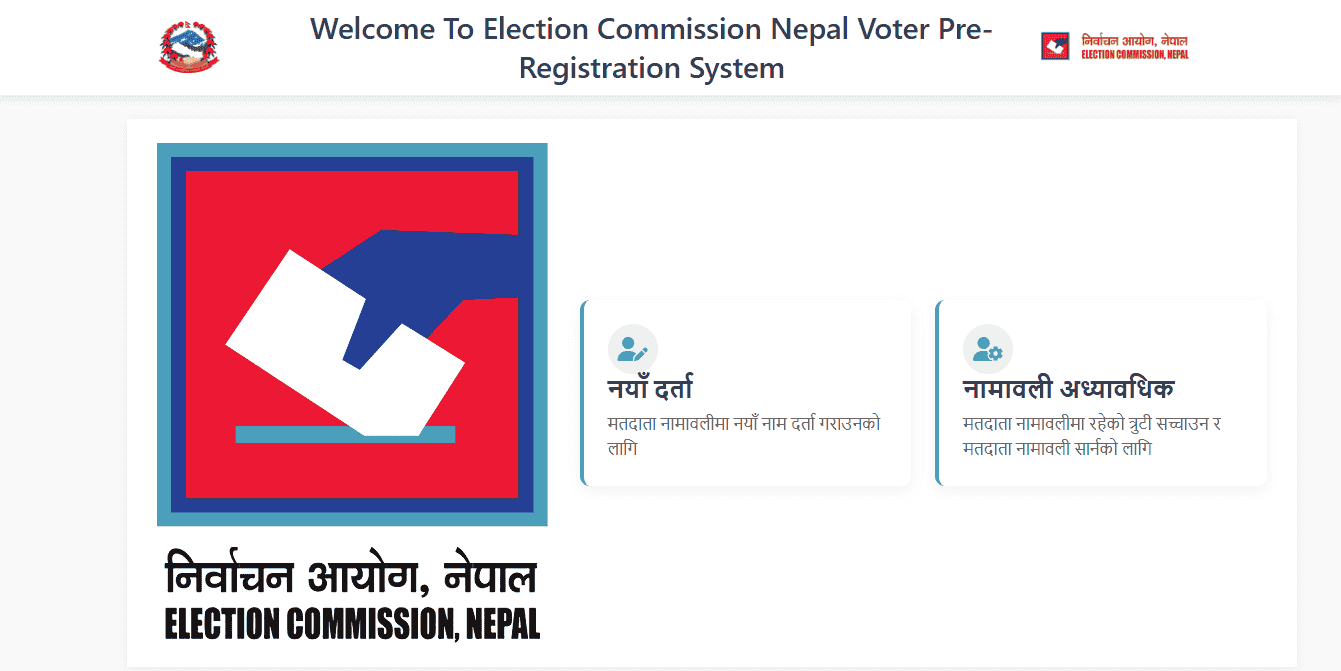
What is needed to make a voter ID card?
- You must have a National ID (NID).
- You need internet access (at home or any convenient place).
- Go to the Election Commission’s official website and open the relevant application link.
- Fill in the required information in the form, such as:
- Name
- Address
- NID or Citizenship Number
- Biometric center for verification
- Follow the instructions to select your nearest election office and choose a date for providing biometric information.
- Once all details are confirmed, visit the office on the scheduled date to provide biometric verification — including photo and fingerprint. After this, your application is complete.
Documents Needed / Points to Keep in Mind
- You must have a valid NID or Citizenship Certificate.
- You must be at least 16 years old (eligible to vote).
- Your address must be current. If it has changed, it should be updated before applying.
- Check all details in the online form before visiting the office.
- Confirm your appointment date and time to avoid repeated visits.
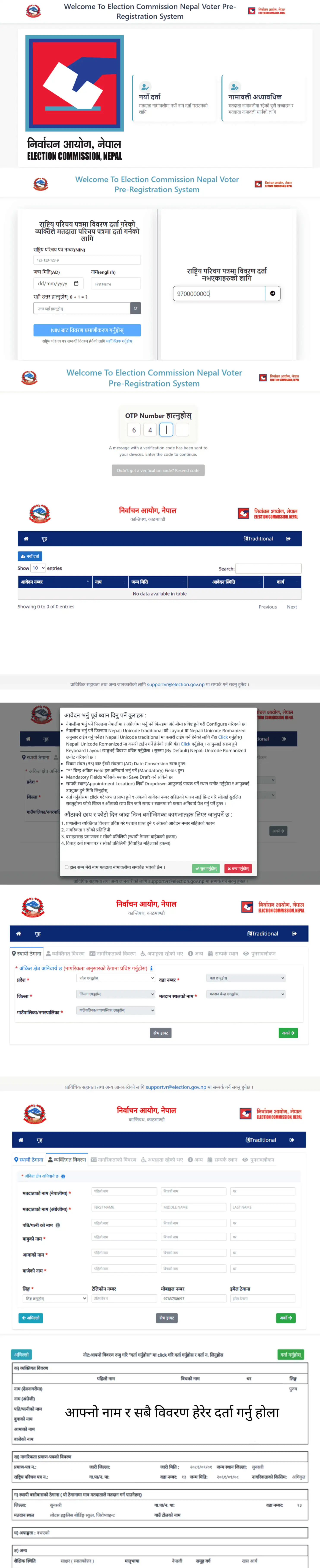
How to Apply for Your Voter ID Online in Nepal: Step-by-Step Guide
Step 1: Login and Registration
- Visit the official Voter ID application portal: election.gov.np
- You will see five categories on the homepage. Select the second option: Online Pre-Enrollment (Matadaata Namawali Pre-registration ra Adhyabadhik).
- Or, you can access it directly here: applyvr.election.gov.np
- Click on New Registration.
- Enter your mobile number and the OTP (One-Time Password) sent to your phone.
- On the next page, select “Naya Darta” (New Registration).
- Read the instructions carefully before proceeding.
- After completing these steps, you will be redirected to the application portal, where you can continue your Voter ID application.
Step 2: Filling Out the Application Form
A. Basic Details
- Enter your province, district, metropolitan area, ward number, and constituency.
B. Personal Information
- Provide additional personal details requested in this section.
C. Citizenship Details
- Enter your citizenship information, including your National ID number (NID).
D. Final Information
- Fill out all remaining fields as required.
Step 3: Download and Submit the Form
- After completing the application, download and print the final application form.
- Take this printed form to your nearest Election Commission office.
- Submit the form and complete the process to receive your Voter ID.
Benefits of This Facility
- Saves time — no need to rush to offices.
- Easy access — especially convenient for busy citizens, women, and young people.
- Transparent process — online forms reduce errors and make tracking easier.
- Increases citizen participation — more people are likely to register when the process is easy.
Conclusion Online Apply Voter ID Card
If you haven’t registered your name in the voter list yet, apply easily from home. This facility makes it much easier to participate in the democratic process.
Prepare your NID today, fill out the online form, select your preferred date, and complete the process — don’t miss the chance to exercise your right to vote.